Website accessibility (EAA): does a small business need it?
The European Accessibility Act has applied since 28 June 2025. Find out whether it covers your business, what the fines are and how to test your site in 15 minutes.
Short answer: if your business has fewer than 10 employees and up to EUR 2 million in turnover, the European Accessibility Act (EAA) most likely does not apply to you. Since 28 June 2025, larger online shops, banks, transport operators and telecoms in the EU must have accessible websites. Smaller businesses still have a good reason to fix a few things, because the same fixes help with Google and with sales.
In short:
- The EAA is Directive (EU) 2019/882. EU countries apply it from 28 June 2025. In Poland it was implemented by the Act of 26 April 2024 (Journal of Laws 2024, item 731).
- It covers selected consumer services, including e-commerce. A plain brochure site with no online sales usually falls outside it.
- Microenterprises providing services are exempt: fewer than 10 staff and no more than EUR 2 million in turnover or balance sheet total.
- In Poland a fine can reach ten times the average monthly salary, over PLN 80,000, capped at 10% of turnover. Other EU countries set their own amounts.
- Technically it means the EN 301 549 standard, which for websites points to WCAG 2.1 level AA.
Contents:
- What the European Accessibility Act is
- Who it covers and who it does not
- Fines and who enforces them
- What an accessible website has to do
- A 15-minute test you can run yourself
- Why an accessibility overlay is not enough
- Why bother if you are exempt
- Frequently asked questions
What the European Accessibility Act is
The European Accessibility Act (EAA) is EU Directive 2019/882. It requires selected consumer products and services to be usable without sight, hearing or a mouse. Member states have applied it since 28 June 2025, each through its own national law.
It is not the same as the 2016 Web Accessibility Directive, which covers public sector bodies. The EAA is the first EU-wide rule that reaches private companies.
You can read the directive on EUR-Lex. The Polish implementing act is in the Journal of Laws (Dz.U. 2024 item 731). This article uses the Polish rules for enforcement details, because that is where I work.
Who it covers and who it does not
The law does not say every company website must be accessible. It names specific consumer services. For a small business the one that matters is e-commerce: a customer concludes a contract with you through a website or app. They buy, order, book and pay.
| Your situation | Does the EAA apply? |
|---|---|
| Online shop, 25 employees, selling to consumers | Yes |
| Online shop, 4 people, EUR 350,000 turnover | No, microenterprise exemption |
| Brochure site with a contact form, no sales | Usually not, this is not e-commerce |
| Online booking with payment, e.g. a salon with 12 employees | Most likely yes, the contract is made through the site |
| Selling only to other businesses (B2B) | No, the law protects consumers |
The microenterprise exemption only covers services. If you manufacture a product named in the act, such as a payment terminal or an e-reader, there is no exemption. The Polish Ministry of Funds and Regional Policy has a short checklist: Does the Polish Accessibility Act apply to your company? (in Polish).
There is also a transition period. Service contracts signed before 28 June 2025 can run unchanged until they expire, but no later than 28 June 2030. A new website or shop launched today does not get that grace period.
This is not legal advice. If you are close to a threshold or your service is unusual, check the rules with a lawyer.
Fines and who enforces them
In Poland, the President of the Management Board of PFRON (the State Fund for Rehabilitation of Disabled Persons) supervises services. A fine can reach ten times the previous year's average monthly salary, which is over PLN 80,000, but no more than 10% of the company's turnover. Other member states set their own penalties.
In practice, it is more likely to start with a complaint. A customer who could not place an order writes to you. You have 30 days to respond, 60 in exceptional cases. If you do not respond, the complaint is treated as resolved in the customer's favour. Anyone can also notify PFRON at the same time. PFRON explains the process in its consumer guide (in Polish).
What an accessible website has to do
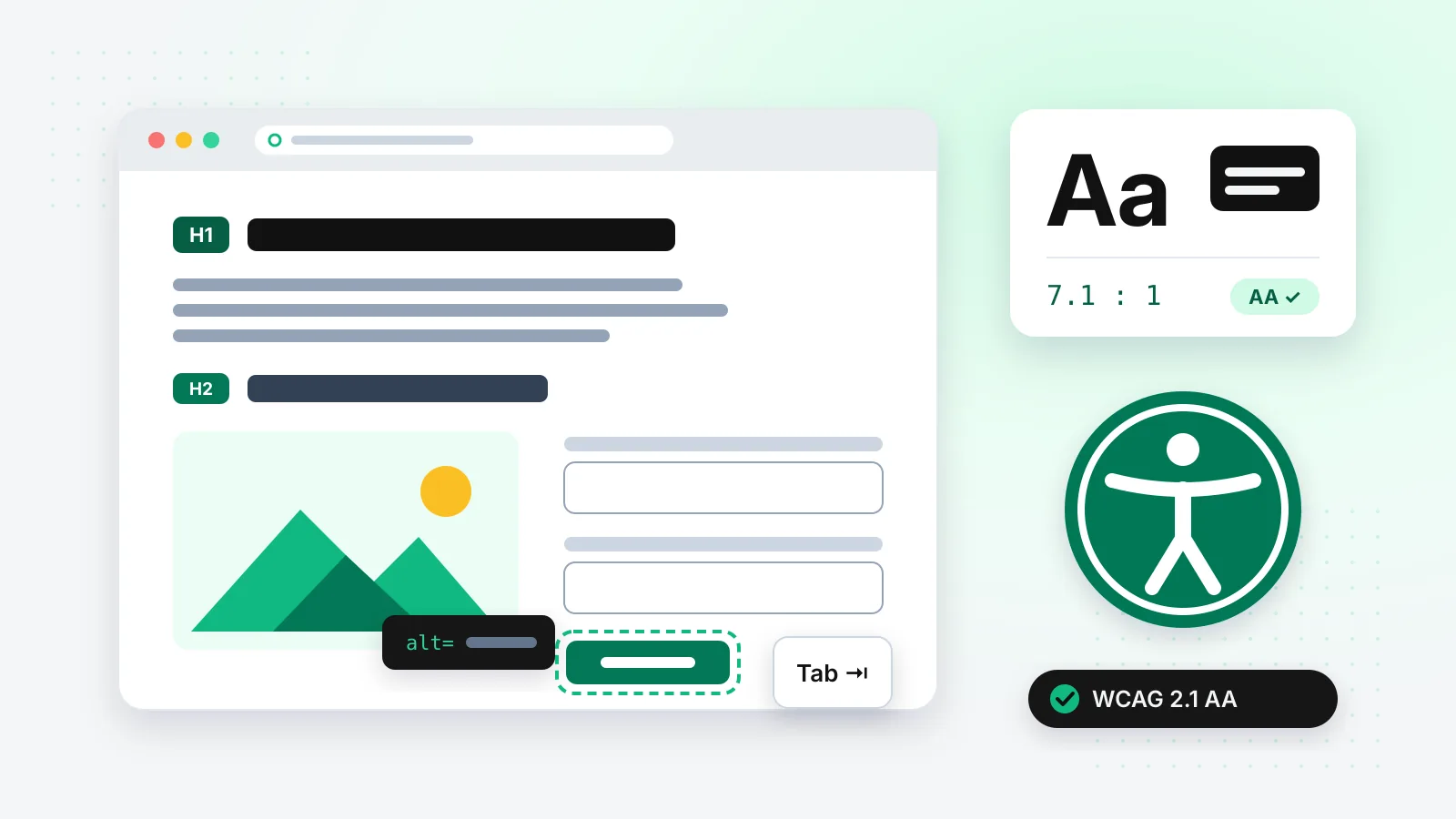
For websites, EN 301 549 points to WCAG 2.1 level AA. That is several dozen criteria, which sounds scary. For a small business, most problems come down to eight things:
- Text contrast of at least 4.5:1, or 3:1 for large text. Light grey text on white is the most common error on the web.
- Image descriptions (the
altattribute) on photos that carry meaning. Decorative images get an emptyalt="". - Keyboard access. You can reach every link, field and button with the Tab key.
- Visible focus. It is always clear which element is active.
- Logical headings: one H1, then H2 and H3 in order, not picked by font size.
- Labelled form fields. Errors are described in words, not just with a red border.
- Zoom to 200% without cut-off content or sideways scrolling.
- Captions on videos where someone speaks.
The law also requires you to describe how your service meets the accessibility requirements. This usually goes in your terms of service or on a separate page, in an accessible format.
A 15-minute test you can run yourself
You do not need an audit to see where you stand. A browser and fifteen minutes will do:
- Put the mouse away. Open your homepage and try to reach the contact form or the cart with the Tab key alone. If you get stuck, or cannot see where you are, that is your first issue.
- Zoom to 200% (Ctrl and plus). Does the menu still work? Does text run off the screen?
- Run the page through WAVE. It is a free WebAIM tool that flags contrast errors and missing image descriptions.
- Run Lighthouse in Chrome (F12, Lighthouse tab, Accessibility category). A score of 100 does not mean WCAG compliance, but a score under 80 almost always means non-compliance.
- Listen to the page. On a Mac turn on VoiceOver (Cmd + F5), on Windows install the free NVDA. Go through your contact form. Does the screen reader tell you what each field is for?
If nothing came up after these five steps, you are ahead of most of the web. In the WebAIM Million 2025 report, 94.8% of the top one million home pages had automatically detectable WCAG failures, and low-contrast text appeared on 79.1% of them.
Why an accessibility overlay is not enough
Widgets you add with a single script, promising accessibility in five minutes, do not fix your site's code. They add a panel with buttons for bigger text and different colours. People who use screen readers already have those controls in their own system, and a badly labelled form stays badly labelled.
In 2025 the US Federal Trade Commission ordered accessiBe to pay USD 1 million, one of the best-known overlay vendors, over claims that its plug-in made any website WCAG compliant. It did not.
Why bother if you are exempt
This is where it gets interesting, because accessibility and SEO are largely the same work.
- The
alttext on an image is read by screen readers and by Google Images. - Clean headings help Google pick a featured snippet and help AI models quote a specific paragraph. I go into this in what GEO is and whether AI will replace SEO.
- Video captions are text that can be indexed.
- A form you can complete with a keyboard can also be completed by someone with a broken arm, or on a phone on a crowded tram.
According to the WHO, about 1.3 billion people live with a significant disability, one in six people worldwide. Add older customers with weaker eyesight and no formal diagnosis. A page they cannot read is a sale you will not make.
Accessibility goes well with speed. If you are fixing one, check the other too: fast website: why it matters and how to test it.
How I handle it
This site follows the same rules. Body text has a contrast ratio of 17.29:1, links 7.09:1. The brand green #10B981 with white text would only reach 2.54:1, so text on green buttons is black, not white. Decisions like that take five minutes at the design stage and a lot longer to undo in a finished shop.
If you are planning a new site, see how I build websites and how much a website costs for a small business. If you already have one, send me the address. I will check it against the eight points above and tell you what to fix first.
Frequently asked questions
Does a brochure website have to meet EAA requirements?
Usually not. The law covers e-commerce, meaning contracts with consumers concluded through a website or app. A brochure site that describes your services and has a contact form does not do that. This changes once you add online sales, bookings with payment or online orders.
Does a sole trader need an accessible website?
Not if you provide services. A microenterprise, meaning a business with fewer than 10 employees and turnover or balance sheet total up to EUR 2 million, is exempt from the service obligations. The exemption does not cover manufacturers of the products listed in the act.
Is an accessibility plug-in or overlay enough?
No. An overlay does not change your site's code, so missing labels, broken heading order and keyboard traps stay where they are. In 2025 the FTC ordered overlay vendor accessiBe to pay USD 1 million over promises of full WCAG compliance that its plug-in did not deliver.
Which technical standard do I need to meet?
The law refers to the harmonised standard EN 301 549. For websites and apps it effectively means WCAG 2.1 level AA: text contrast of at least 4.5:1, keyboard access, image descriptions, labelled form fields and the ability to zoom content to 200%.
What should I do if a customer files an accessibility complaint?
In Poland, respond within 30 days, or 60 in justified cases. No response means the complaint is treated as resolved in the customer's favour. If the complaint is valid, you have to make the fixes. The customer can also notify PFRON, which supervises services, at the same time.